
Scan your card.
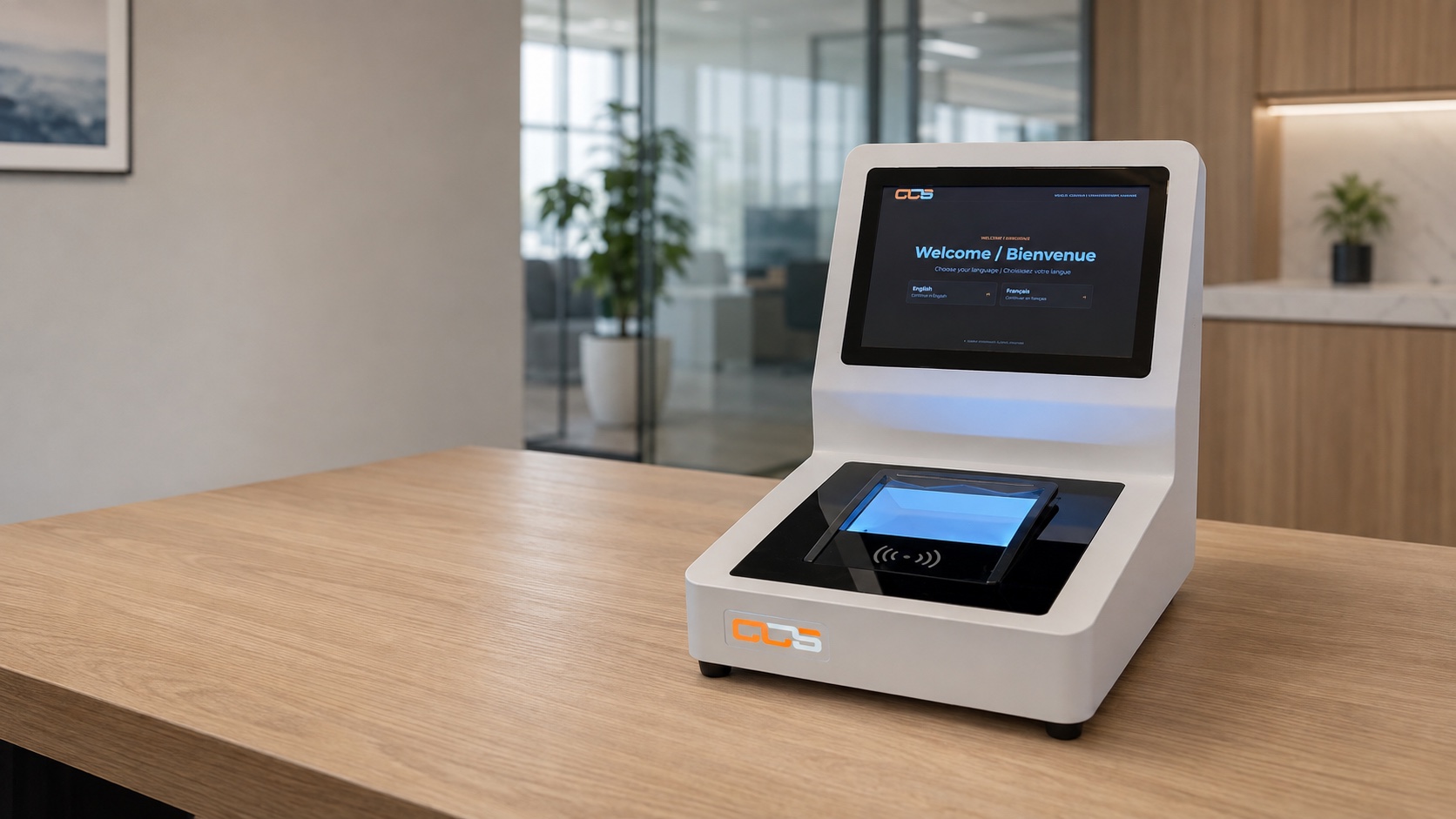
A clear on-screen prompt guides the patient to present their card to the reader.
Meet CCS Check-In. Give patients a clear, welcoming way to check in and your front desk more time for personal service.
Explore the experienceThe CCS scanner sits on an office desk. The screen moves from a welcome message to a card scan prompt with a blue reader glow, then asks the patient to take a seat.
THE PATIENT EXPERIENCE
Simple prompts help patients know what to do next, with reception always there when they need a hand.
A clear on-screen prompt guides the patient to present their card to the reader.
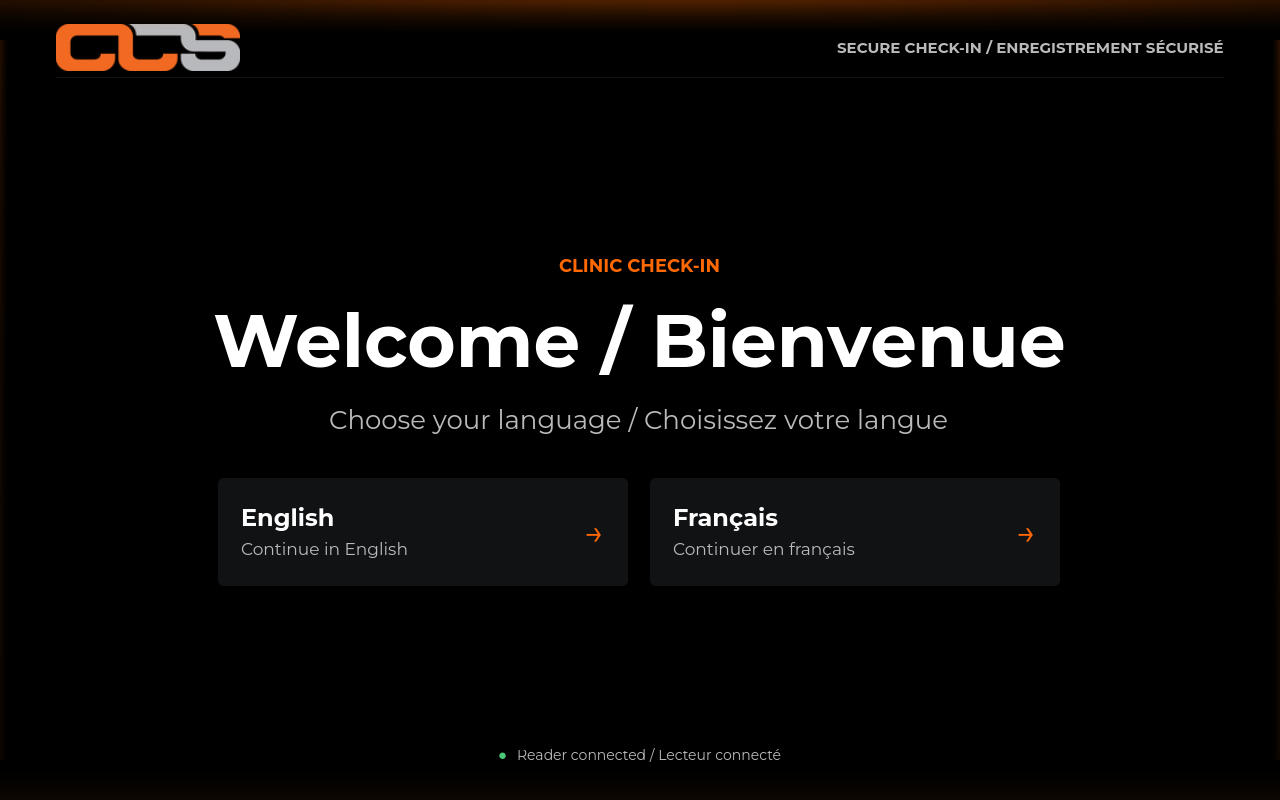
A friendly message lets the patient know what to do next, making arrival feel simple and familiar.
A simple message asks the patient to sit and wait, then the screen returns to welcome the next person.
CLEAR BY DESIGN
We add languages to suit your clinic and the patients you serve, with clear guidance from the first screen.
Large prompts explain card placement, reading, and when to remove the card.
Clear assistance messages direct patients to reception when they need help.
Give patients a clear starting point at reception, with an experience tailored to your clinic and support from CCS.
CCS tailors the kiosk to your clinic’s name, logo, colours, and backgrounds, creating a familiar first impression for your patients.
Offer a consistent arrival experience across your locations, with branding and language options that reflect each community.
Give patients clear steps to follow when they arrive, so your reception team can focus on questions and personal assistance.
We help you plan kiosk placement, language needs, supported cards, and the check-in workflow, with support as your clinic’s needs evolve.
Patient privacy starts with a considered setup. CCS works with your team to review card handling, your reception workflow, and any connected systems.
Clear patient prompts and a straightforward path to reception assistance keep the experience focused on the person in front of you.
Plan your clinic’s setupSee CCS Check-In in action. Share a few details about your clinic and we’ll arrange a demo focused on your patients, your reception team, and your workflow.